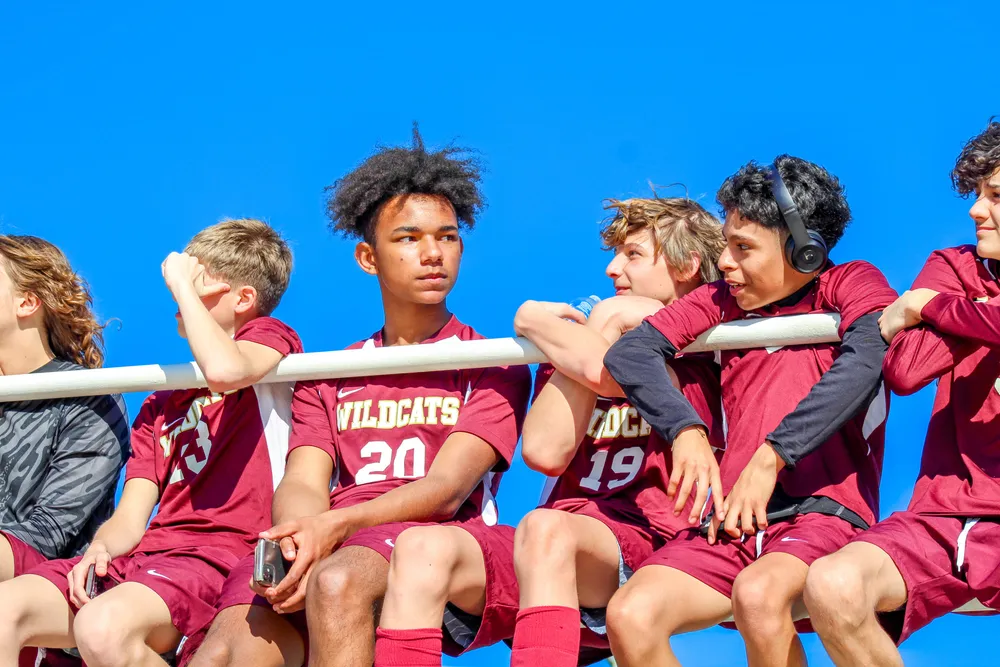
The rail
Jackson Orr, Caden Allen, Cameron Robinson, Alex Hernandez and Dayson Christley
- Taken
- 12 March 2025
- In
- Soccer 1 of 18
- Camera
- Canon EOS Rebel T6
- Lens
- EF75-300mm f/4-5.6
- Exposure
- 75mm · ƒ/7.1 · 1/320s · ISO 100
- Frame
- 4000:2667, landscape
Around three months ago, we switched Weekly Wildcat’s site from an old, slow, traditional WordPress install to a new, hybrid Next.js setup.
Round 1 had been going maybe five minutes when people started coming out into the hallway to tell HQ that the questions weren’t bouncing back.
Yesterday, I opened my website to see a very unwelcome surprise.
A simpler way to score quizbowl tournaments.
There are TVs at my school that have been off for as long as I’ve been a student there.
Weekly Wildcat launched its first website back in January 2026.
We had no real production budget, just a few hours of tech practice, and a mix of borrowed, existing, and improvised equipment for our use.
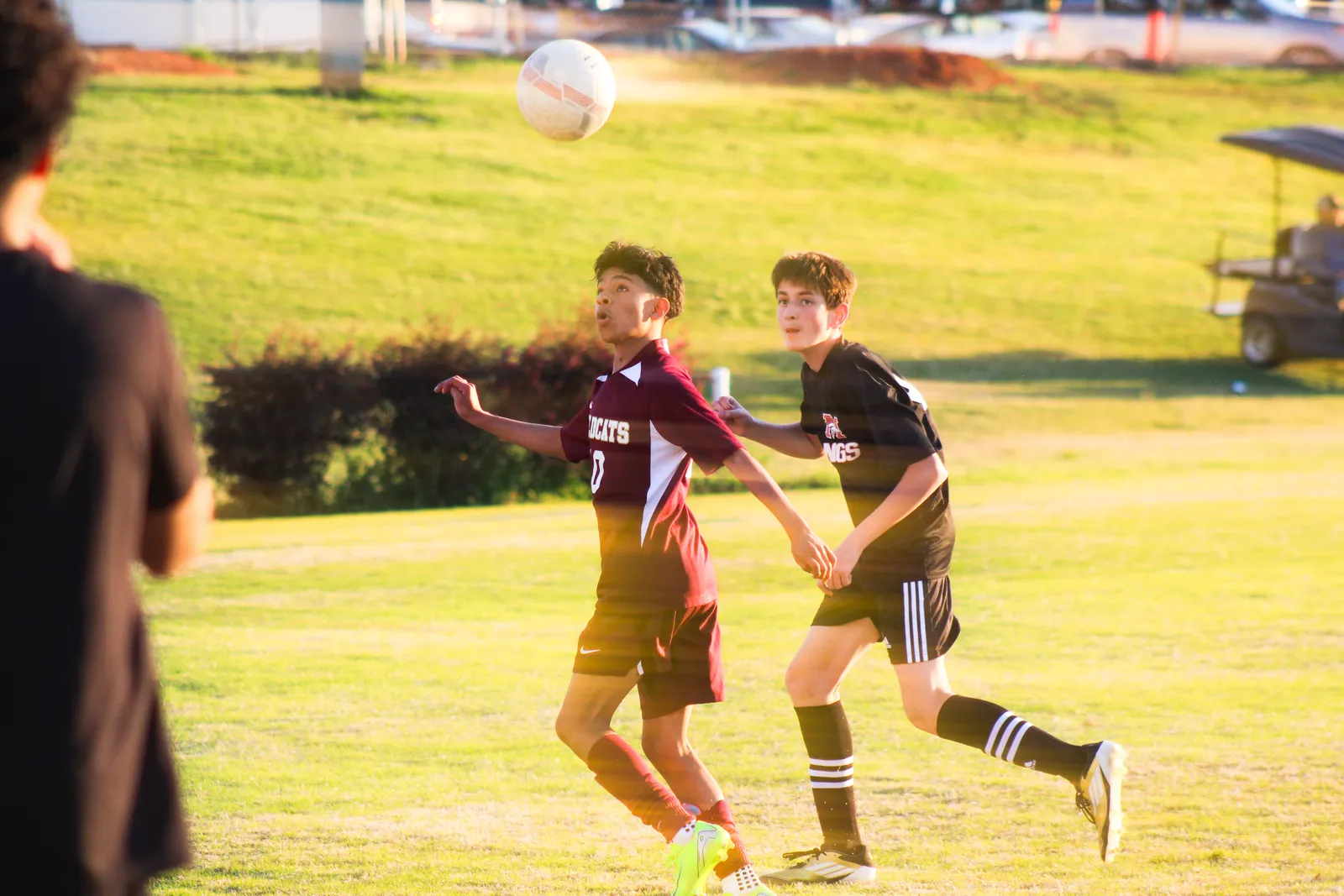
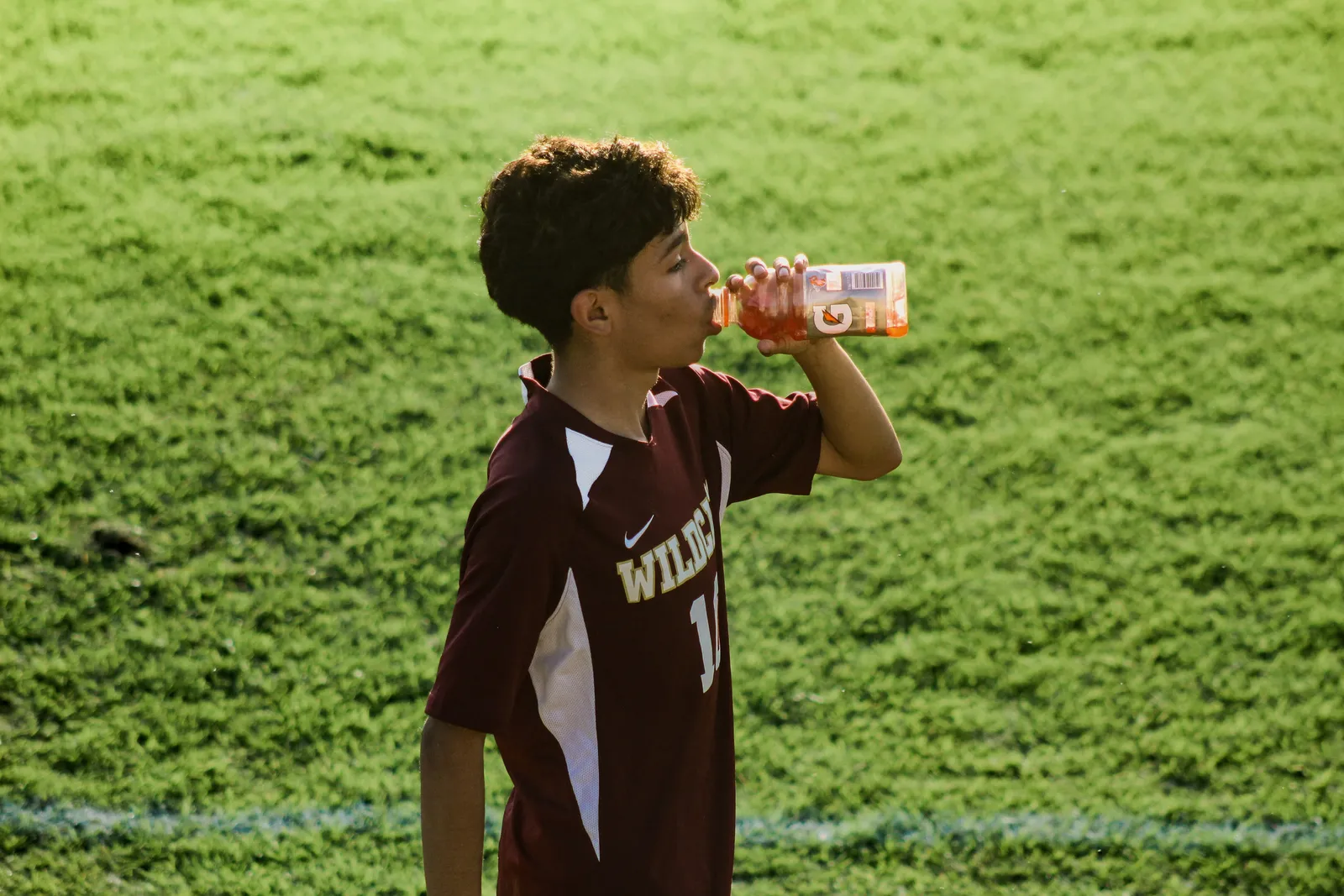
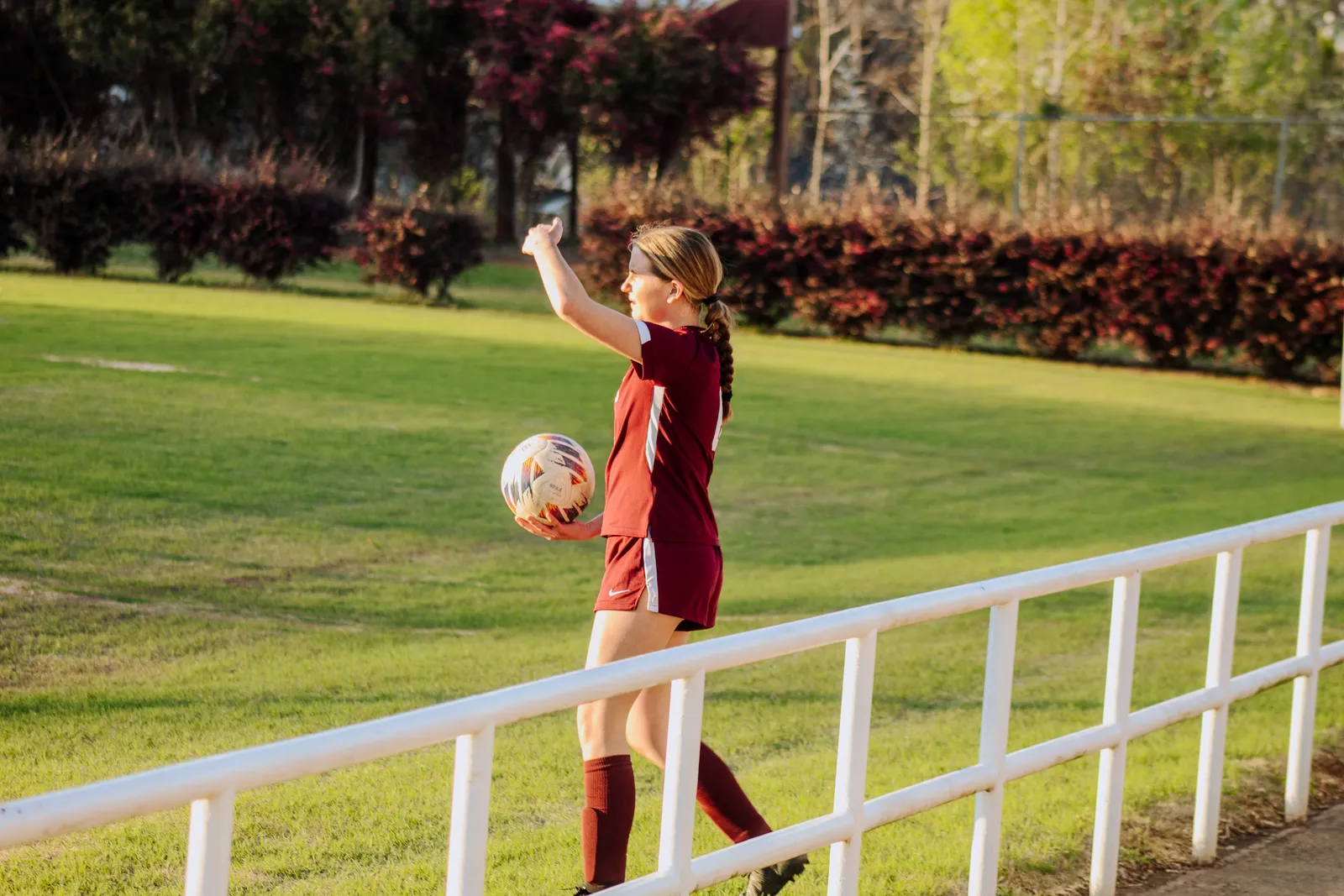

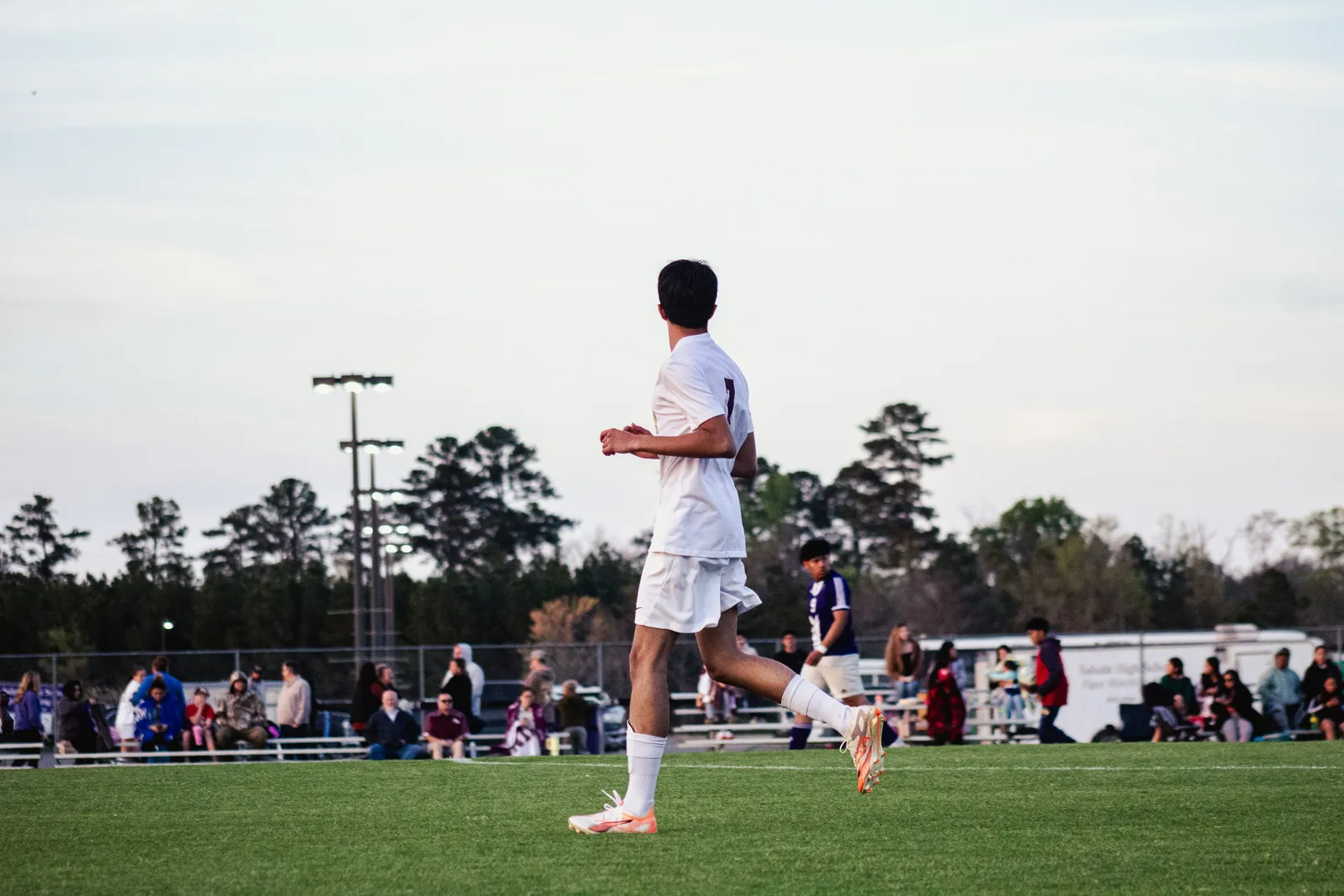

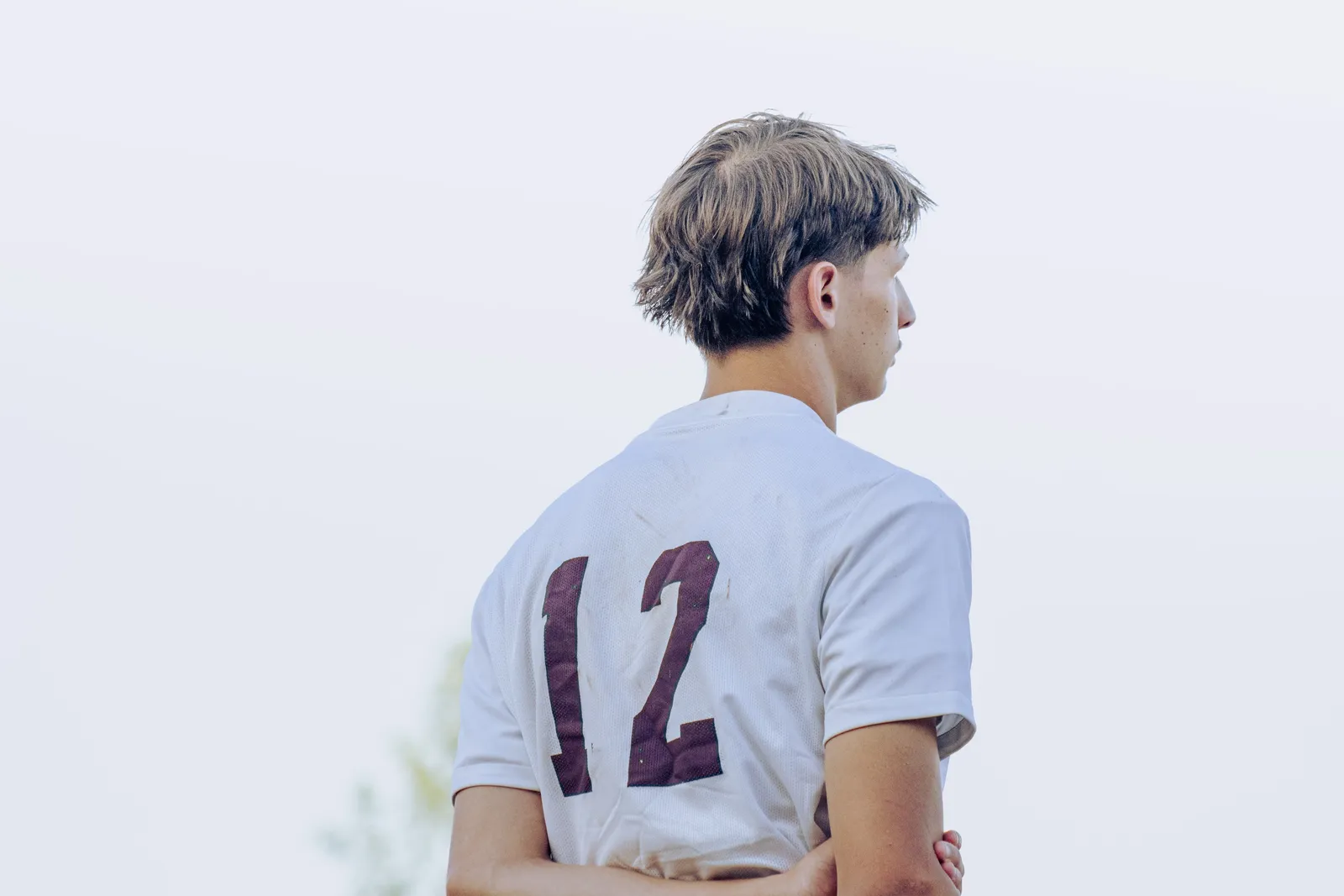
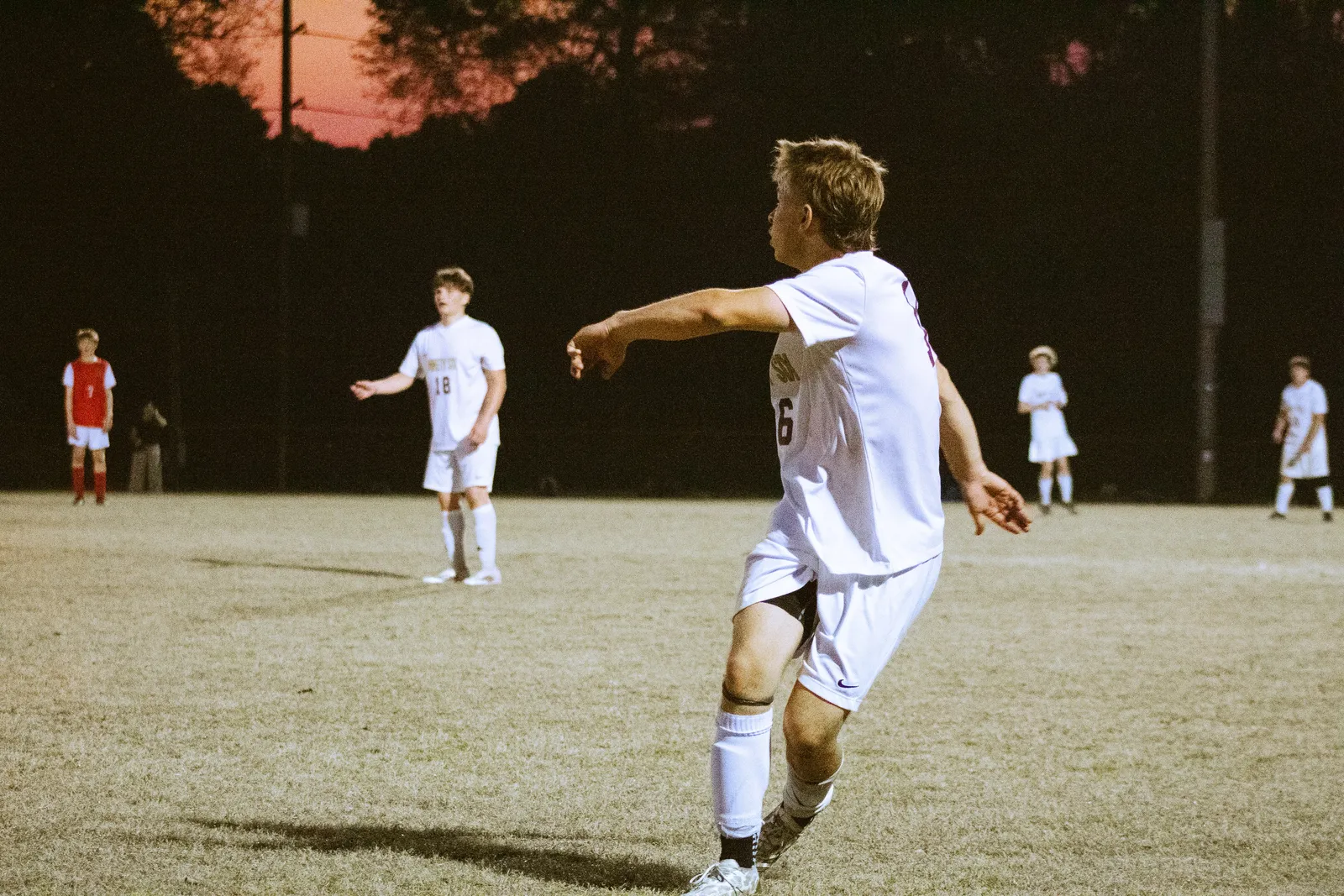
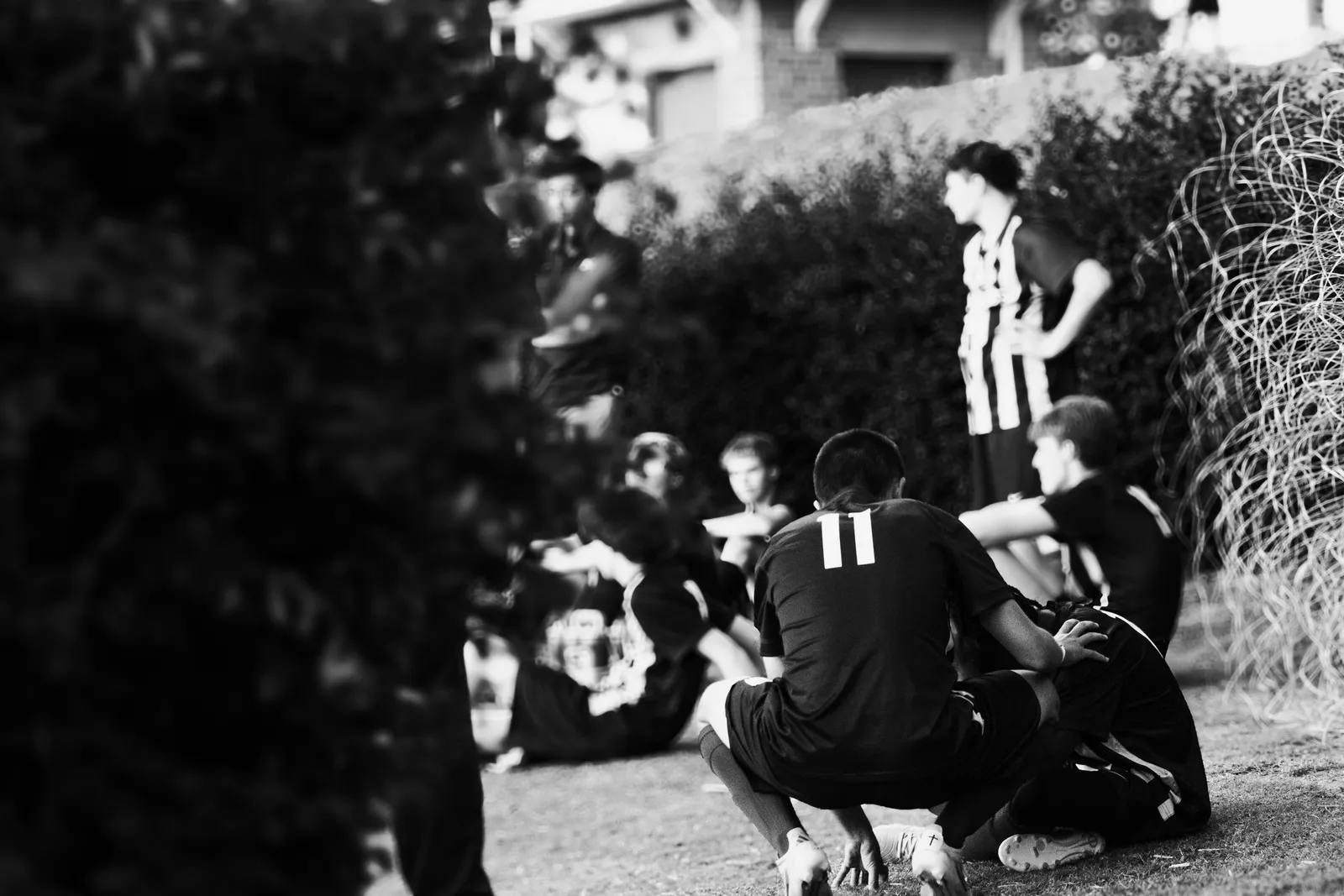
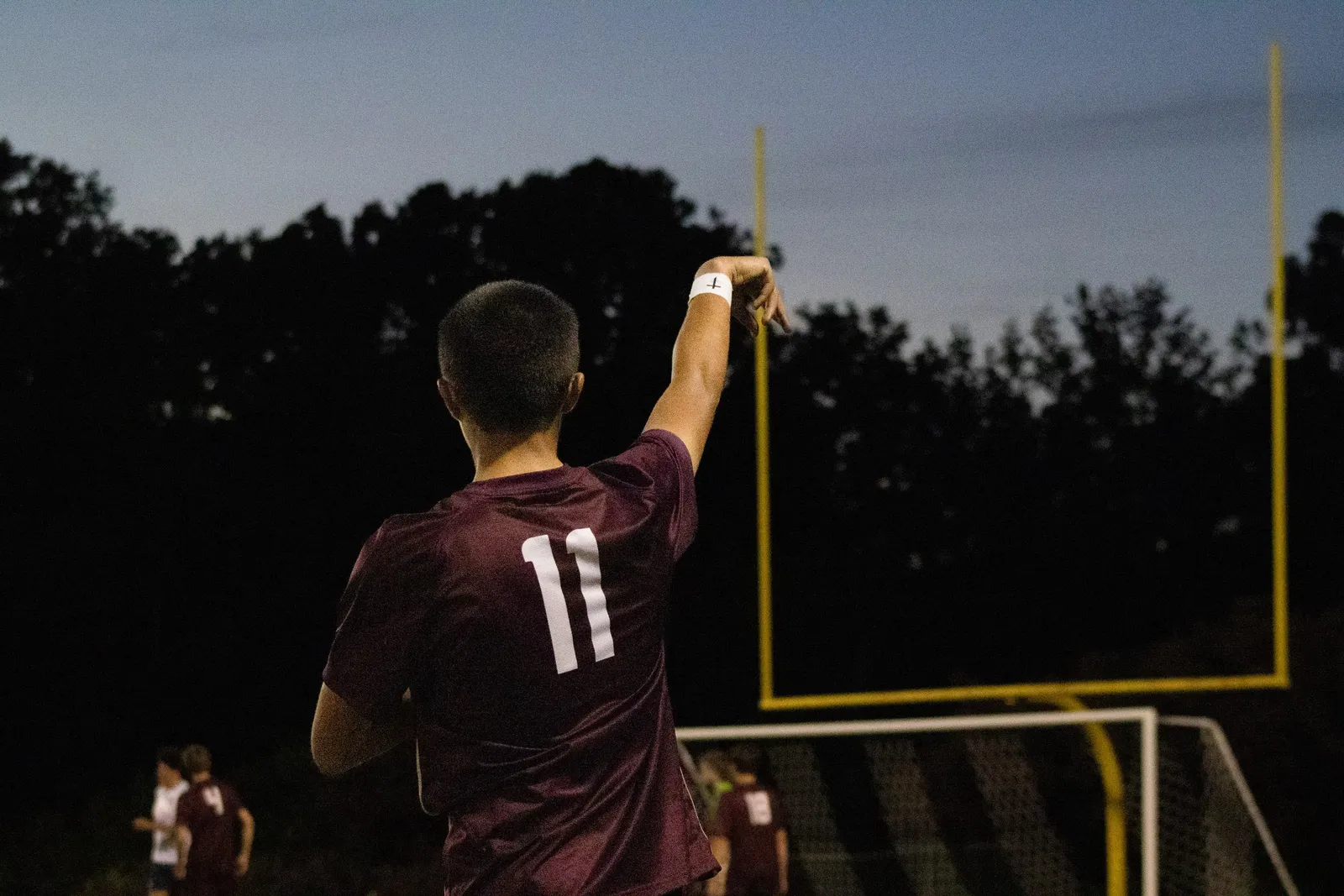
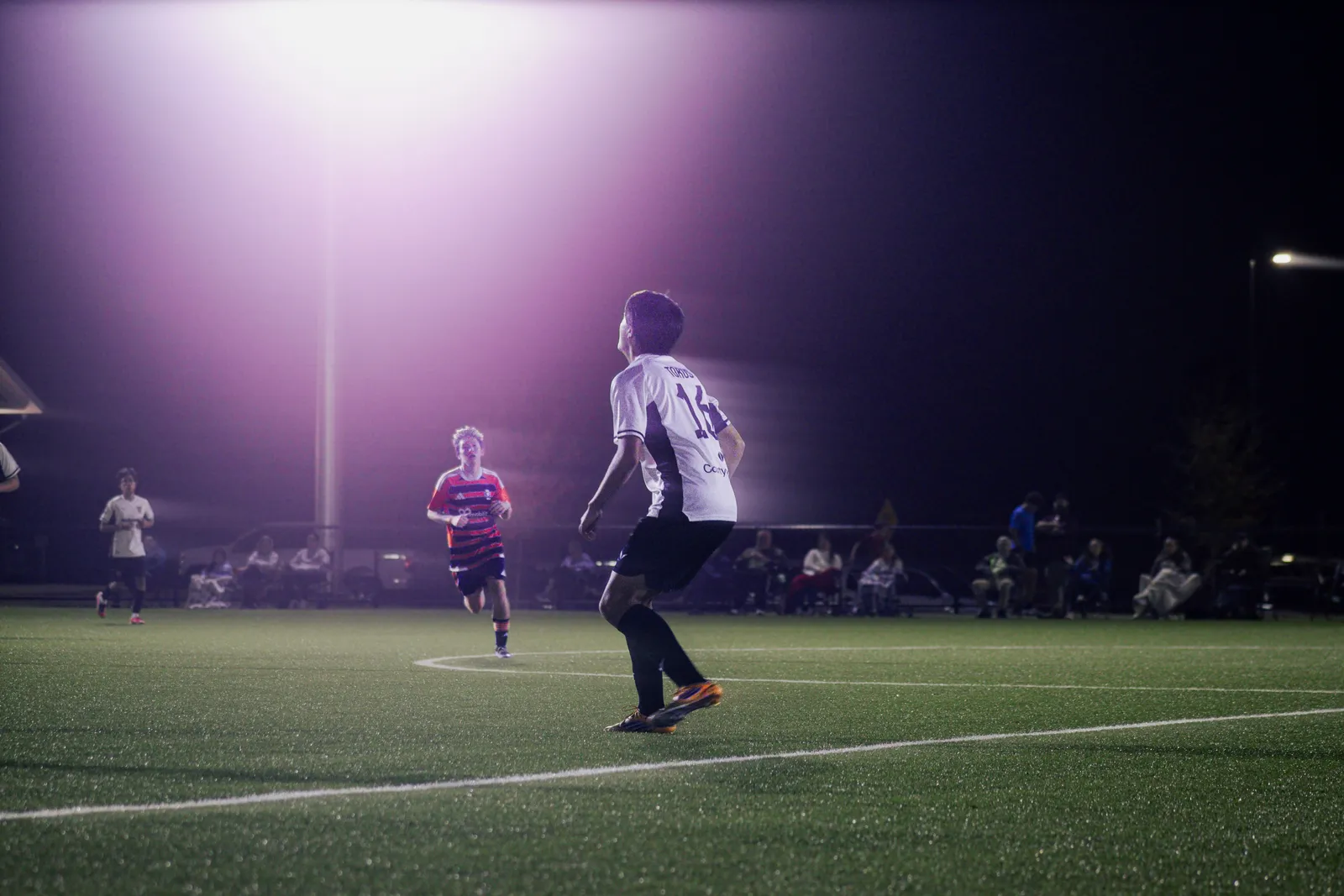
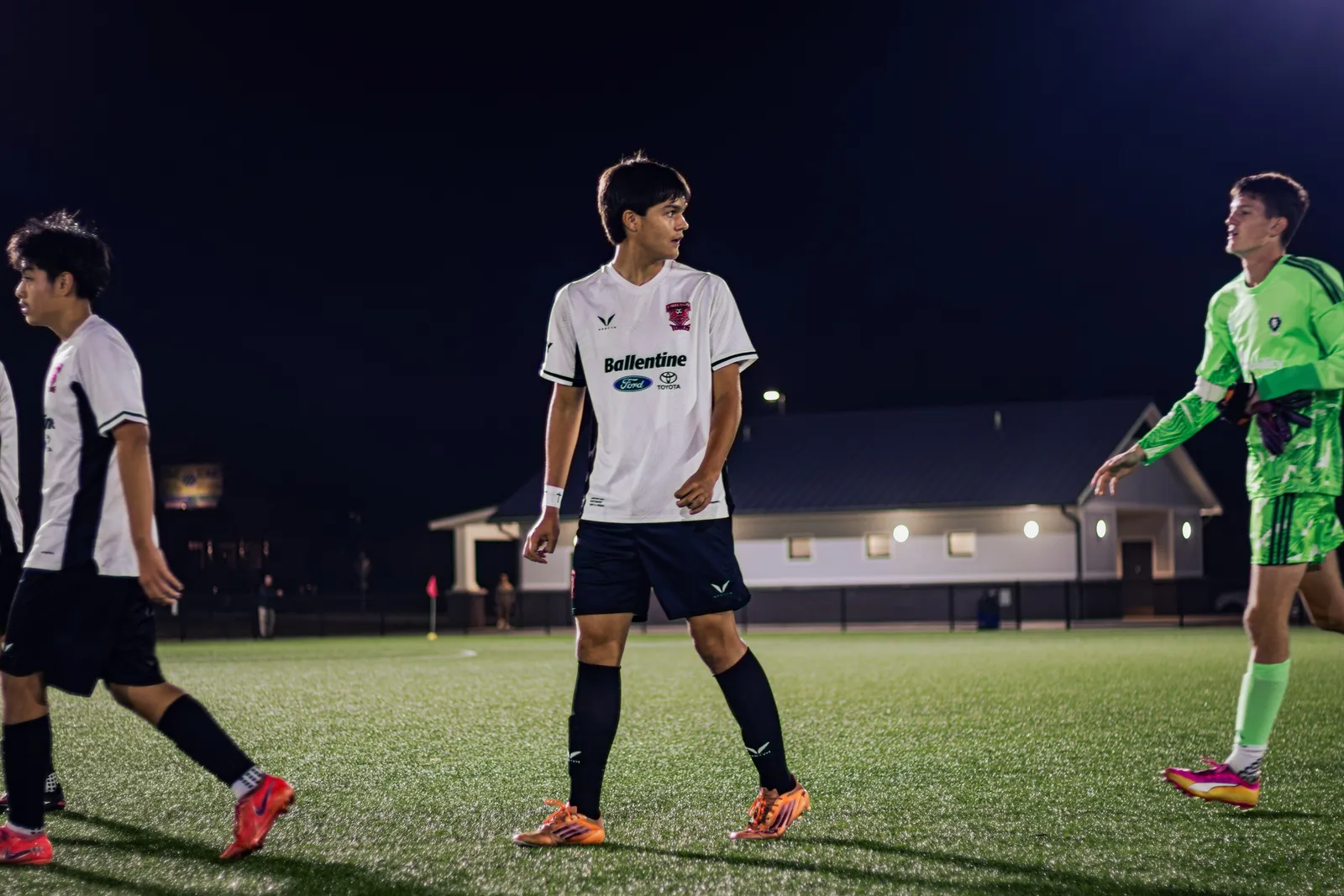

Photo by Clément Rémond on Unsplash
Around three months ago, we switched Weekly Wildcat’s site from an old, slow, traditional WordPress install to a new, hybrid Next.js setup.
However, we began noticing that although this new setup delivered massive performance improvements compared to our old site, it still had many shortcomings, including the fact that Next.js shipped an insane amount of JavaScript for each page.
So, we began researching alternative frameworks that would meet our needs better, and found Astro. After a quick search into it, I knew that it was going to work.
Over the next few days in early September, I began planning the migration, and eventually on September 7, I merged the final pull request to complete the transition.
The performance gains were great. Our local cold build time dropped from around 50 seconds to just 35 seconds, and our site size dropped over 50%.
Obviously, that’s only around a 35% performance gain, but when minutes matter (and Cloudflare only gives you so many) it all adds up.
The linked JavaScript on the homepage and article pages dropped by roughly 99%, down to below 10 KiB. And many pages now even have no JS at all.
However, I quickly discovered another bottleneck that had nothing to do with the framework at all; acquiring the content from our WordPress CMS.
In one instance, our new Astro build took around 35 seconds, but almost 27 seconds of that build was just spent aquirring data from WordPress. And in many cases, the server would get overwhelmed with requests and spike to over 775% CPU usage, bringing the entire CMS to a halt.
So, I worked to replace those repeated REST fetches with pre-generated snapshots instead. Basically, WordPress now prepares a versioned snapshot of the public content ahead of a build, and Astro can simply download that.
We also added incremental builds, so changes to one article didn’t automatically merit a complete rebuild of every page. How ever they get a little complicated because changing an article doesn’t just affect that article. It might also change a category page, an author’s profile, or the related stories shown on other articles.
But by tracking those dependencies, we can avoid rebuilding pages that aren’t affected. In one test, an unchanged build reused 52 of our 70 routes instead of rendering them again. Even when we edited an article, 36 routes could still be reused.
I had also realized, around this time, that we really didn’t have time to keep up with our sports database, and decided to archive the records into static pages for public reference instead. MaxPreps can keep that job.
But this actually revealed another pretty big inefficiency. We were generating hundreds of individual HTML pages that did nothing except redirect visitors from old sports URLs to the new archive pages.
So, we moved those redirects to Cloudflare, where they could be handled as regular HTTP 301 redirects instead, reducing the number of pages being generated in a production-content build from around 400 to just 65.
Before all of this, our Cloudflare deployments usually took over three minutes. Now, I’ve seen them finish in around a minute and 12 seconds.
And there’s still more to optimize. Downloading and processing images remains one of the biggest sources of variability, and even with incremental builds, some parts of the site still need to be regenerated every time.
Looking back, I think one of the biggest things I’ve learned from all of this is that optimization isn’t necessarily about making everything more complicated or finding a faster way to do the same work.
A lot of our improvements came from simply removing work we didn’t need to be doing in the first place.
There’s still plenty I want to improve, and I’m sure I’ll find another bottleneck sooner or later. But for now, I’m pretty happy with how far we’ve gotten, especially considering we were still running everything through a $7/year Christmas special IONOS plan.x
Tilecast runs the screens in a building: you run the server on your own hardware, build and schedule what’s shown in Tilecast Studio, and pair screens running Tilecast Player on Android TV, Fire TV, Google TV, Linux or Windows.
There is no hosted service behind it and no subscription needed to keep the screens running.
Round 1 had been going maybe five minutes when people started coming out into the hallway to tell HQ that the questions weren’t bouncing back.
If you don’t do quiz bowl: you get a tossup, your team gets a bonus with a few parts, and depending on the format the parts you miss can bounce over to the other team. Our scorekeepers were saying that wasn’t happening.
Somebody actually walked up to me holding the chromebook they were scoring on. I looked at the game, they clicked an answer, the missed part went nowhere, and I said something like “yeah, that’s normal.” Because as far as I knew, we weren’t using bouncebacks at this tournament.
We were, in fact, using bouncebacks.
Our own student staff at HQ had gone around telling the scorekeepers we weren’t. One scorekeeper even came up to me at the start at the beginning of round 1, and I said no bouncebacks, twice. So all six rooms had set their games up under rules that weren’t the rules. And you can’t change them once you start.
One scorekeeper didn’t notice anything was wrong and scored an entire game that way. Another room was around tossup 5 by the time we got to them (but also on tossup 8 on the app?), and that room didn’t have a paper scoresheet.
I called my mom and told her the tournament was over. I said it was like a building that’s architecturally unsound, where maybe you can fix it eventually but right now everyone has to get out. It was 9:30 in the morning. I thought it was wraps for sure
This was our school’s first time hosting an NAQT tournament, and I’d been working the stats and tech side for weeks. QBSheet for the actual scoresheet, YellowFruit for the tournament itself, meaning standings and schedules and playoffs.
My original plan was way cooler than what we ended up doing. I’d been building ways to hook QBSheet straight into tournament control so games would get assigned to rooms and results would just come back on their own. I did a local network version. I tried a Cloudflare durable object. I even tried using a whole separate bridge app, which didn’t work.
Then the week of, I got scared of all of it. The local network thing was flaky. The relay felt like way too many moving parts to trust, and it wouldn’t be easy to fix. So on the night of the 11th I decided I wasn’t using any of it. Not because I was sure it’d break. But because if it did we would have nothing.
So instead I spent that night doing the least interesting work possible. Fixing the actual bracket in YellowFruit, since we had twelve teams in two six-team pools and I had to shuffle some around so schools wouldn’t end up playing themselves in prelims. Rebuilding schedules, playoff matrices, and room assignments. Here are some iterations of the YellowFruit file we went through:
2026-Wildcat-Invitational-FINAL-FIXED.yft
2026-Wildcat-Invitational-FINAL-FIXED.yft
2026-Wildcat-Invitational-PAPER-SCHEDULE-FINAL (1).yft
2026-Wildcat-Invitational-PAPER-SCHEDULE-FINAL.yft
2026-Wildcat-Invitational-YellowFruit-CORRECTED.yft
Wildcat Novice Bouncebacks.yft
first%20try%20-%20bouncebacks%20enabled%20-%2060%20max%20bonus%20FINAL.yft
Wildcat Novice Tournament - Bouncebacks Fixed.yft
wildcat novice tournament - bouncebacks enabled - 60 max bonus.yft
At one point I was seriously going to do the whole thing with Google Drive folders, one per room, an “in” folder and an “out” folder, no server anywhere. What I actually went with was Google Sheets, mostly because if something went sideways I could still just look at the numbers. (and it’d all be in one place per round, which made more sense)
So: one spreadsheet per round, eight files, each with a tab for every room. 315, 317, 318, 319, 320, 321. The scorekeeper would finish a game in QBSheet, hit Copy Stats, open that round’s file, click their room, and paste. That’s the whole thing.
Finally done with the format, I went to bed at 2:41.
Also, staffing: six rooms, four scorekeepers who had never opened QBSheet, and two who didn’t really know academic team rules in general. They got about ten minutes of training. Keep that in mind for later.
Round 1 started on time, maybe a couple minutes early, and then everything above happened. Everything that could’ve gone wrong went wrong.
Me, Jeremy, and Caroline had a very short meeting in the hallway and decided we weren’t fixing this from HQ (there was no way to), we were each taking rooms and going and fixing them in person. We went room to room fixing setups. It was basically whoever was standing there, go to a room, sort it out.
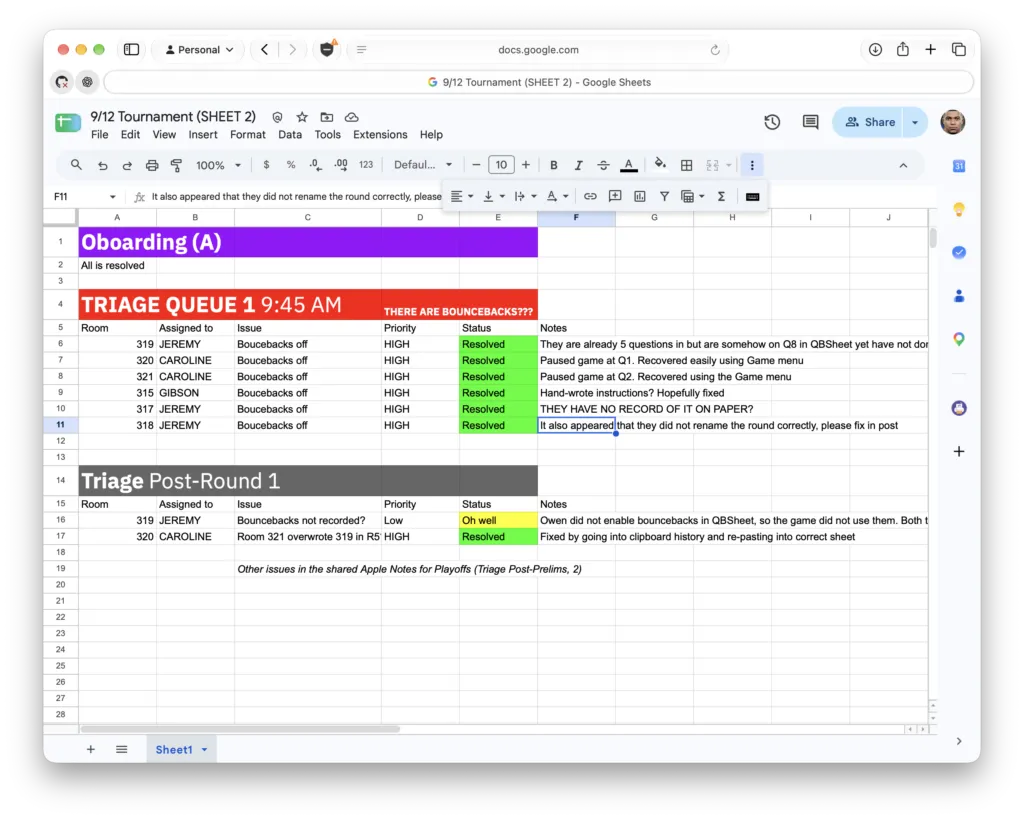
The room that was at tossup 8 with no paper sheet had to retrace the entire game. They reread the questions and rebuilt who’d done what. I was fine with that because both teams had to agree on it, so it wasn’t one kid guessing. The stats came out looking completely normal. You genuinely can’t tell from the numbers (well, hopefully)
Whole recovery took about 15 minutes. The first rooms we got to were going again after maybe five. We never announced a delay, but there was a stretch where every single game in the building was stopped, which is the same thing with extra steps. Rooms ended up 10 to 20 minutes behind depending which one.
A lot of people were visibly annoyed. Which, yeah. First game of the day, first tournament we’ve ever run, first catastrophe 5 minutes into the tournament.
the worst part: while everyone else was running around trying to fix all of this, I was rolling around the school in an office chair because I was convinced the tournament was over. I made it from the gym all the way to Ms. Ngo’s room on the other side of the school.
Then Jeremy ran up to me with one of the iPads and said something like, “One room is on tossup 8 in QBSheet, tossup 5 on the paper, and they don’t have another scoresheet.” I rolled my way back to the tournament after hearing that.
In retrospect, definitely not my best moment as the person who was supposed to be helping run things.
Once the first triage round was mostly done none of us wanted to do anything related to the tournament for a while, so all the HQ staff got on Roblox and played Flee the Facility together. So that’s where we were fifteen minutes after I called my mom to tell her the tournament had collapsed. Insane comeback. You’d think you were watching game four of the NBA finals again.
Meanwhile I hadn’t seen a single stat show up in Google Sheets, which was its own thing I was quietly panicking about, because if the that didn’t work then I really didn’t have a plan.
Then the first room’s paste showed up. We had the MacBook connected with AirPlay to the board in HQ so everyone could watch the spreadsheets, and I saw it change. Then the rest came in one at a time, room tabs filling up, and at that point I figured we were probably fine.
Which is insane considering these people had used this app for ten minutes. I also never trained anyone on substitutions, which I didn’t realize until afterward, and they figured it out anyway. The sub stats are right. I don’t know how we made it work, but we did.
The rest of the day ran like it was supposed to. The scorekeepers finished each round, pasted the stats into the right round and the right room tab. We hadn’t planned a way to import the stats, so we had just look at the sheets and type every single game into YellowFruit by hand. Jeremy went room to room with the iPad making sure people were pasting in the right place. After every round I put the Sheets protection warning on the old tabs so nobody would drop a Round 4 game into Round 3, which happened twice during rounds 1 & 2.
A few of the coaches who’d been (rightfully) annoyed earlier got curious about QBSheet once it was working. A couple of them said they’d never seen an app like that before, and that everyone they know just uses a spreadsheet. Nice to hear.
We made the playoff matrix on paper. Then I copied it into Apple Numbers, sent that to Olivia, who had the iPad mini down in the cafeteria, and she read the assignments off it while I sprinted to get the same schedule onto the school TVs, which run Tilecast. We managed to time it perfectly somehow.
After that nothing really blew up again. Playoffs ran, people kept putting their stats in the sheets, We kept entering everything into YellowFruit, and the person assigned to triage kept checking rooms whenever something looked wrong on the sheet.
By the time the last result went into YellowFruit we were all tired. We uploaded the files to Drive, cleaned everything up, and that was it.
I spent weeks building the version where all of this was supposed to happen automatically, and then when the tournament actually came around, I didn’t trust any of it enough to use it. We ended up with QBSheet in the rooms and Google Sheets in HQ mostly because I wanted somewhere we could actually see the results sitting there if something went wrong.
The Sheets setup was not great. You had to manually paste in the team names and all of the rules yourself. Then you scored and finished the game, hit Copy Stats, found the right round, found your room, pasted it, and then we still had to put all of that into YF. There were a lot of places to screw that up, but somehow it worked.
I still want QBSheet to handle more of this automatically eventually. I don’t want somebody having to babysit a bunch of round spreadsheets every tournament, and I definitely don’t want to keep typing every result into YellowFruit by hand.
Originally published at https://www.gibsonbell.com on September 13, 2026.
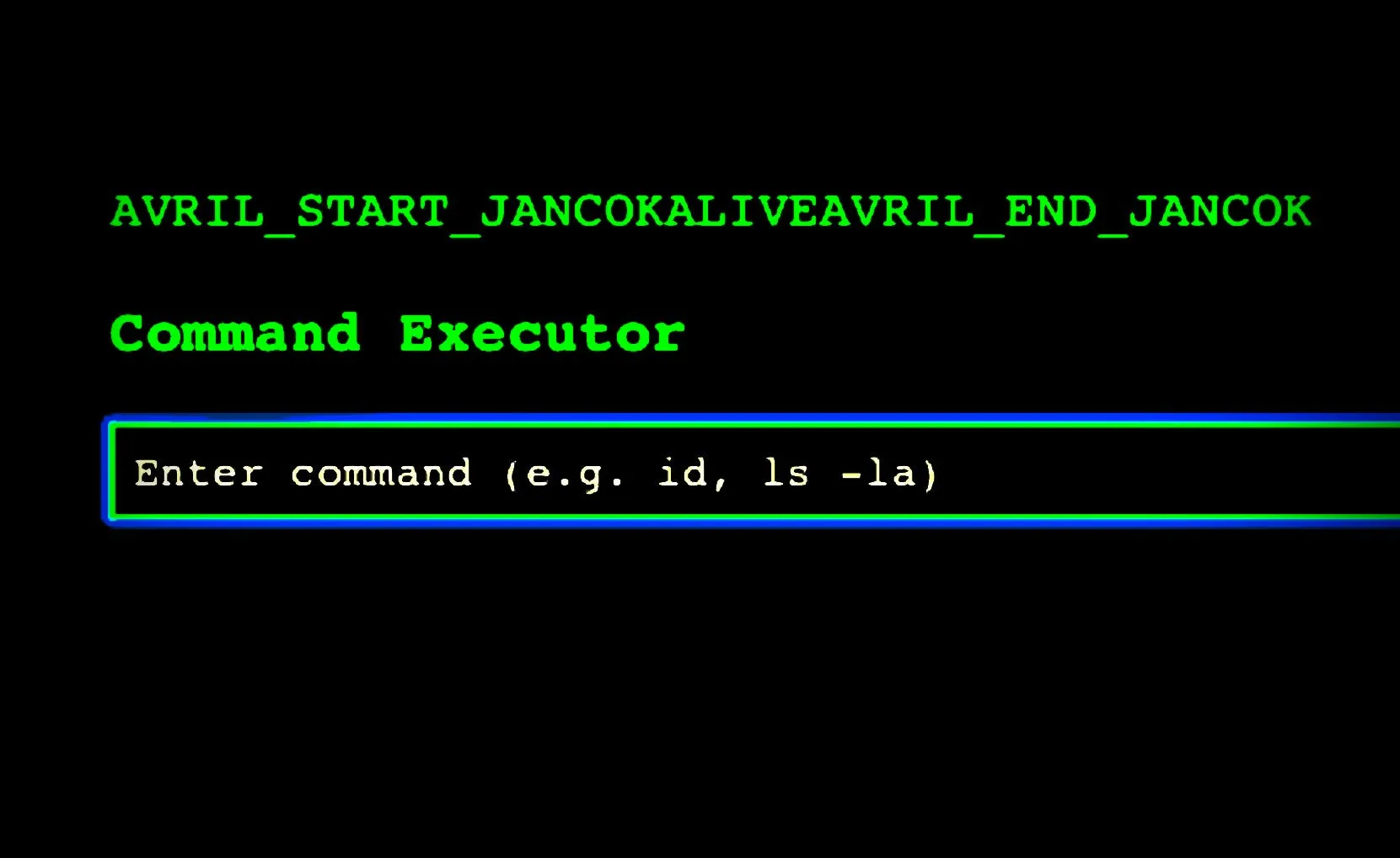
Yesterday, I opened my website to see a very unwelcome surprise:
AVRIL_START_JANCOKALIVEAVRIL_END_JANCOK Command Executor Enter command (e.g. id, ls -la)
that was on august 18th, so I spent that night and the early hours of the 19th going through the hosting env, the filesystem, and the database.
The quick version is that the way in was a bug in WordPress itself. My site was running WordPress 7.0.0, which is one of the versions that was affected by a pre-authentication RCE chain that WordPress fixed on July 17 in 7.0.2. There’s a public writeup of the chain under the name wp2shell, and my database still had traces of it everywhere. A few of those traces contained a link to the research repo.
gibsonbell.com is a small personal WordPress site hosted on Wasmer. (you’re on it right now - although i actually created a whole new WordPress deployment after this and just imported the posts) It’s core WordPress with the Twenty Eleven theme and a few plugins, nothing unusual. My Wasmer plan doesn’t have SSH, so I did all of this through the Wasmer CLI, their browser-based File Explorer, and Adminer against the MySQL database.
The install was created on June 30, 2026 at 13:04 UTC, with one administrator account: user ID 1, (me)
The first place I looked after seeing that command box was the Users page. Here are the accounts that were visible:
There were also some fun new plugins:
site-tweaks-e1a06813e8 content-tools-1c88013a1b volvo-truck volvofh x53165b30 Cache Optimizer
who names their malware “volvo-truck”?
I deleted the fake users and the plugins right away.
I was confused how I had never seen this when visiting my website on my Mac, but when i visited it today on my iPad, it was there.
I logged into the Wasmer CLI, found the app, and pulled the current logs. And most of it was ordinary stuff: the environment booting, PHPix starting on PHP 8.3.31, WordPress being detected, maintenance mode flipping on and off, Wasmer’s own wp-wasmer plugin updating from its v0.4.3 package. Then, at 02:17:49 (utc) on August 19:
Undefined array key "HTTP_USER_AGENT" in /app/wp-content/themes/twentyeleven/functions.php on line 3
Line 3 of my theme’s functions file was reading the User-Agent header, and i knew twenty-eleven didn’t do that, because well, why would it?
So I opened the file, and of course, sitting above the real Twenty Eleven code:
$lineindexinstall = '<meta http-equiv="refresh" content="3; url=https://ushort[.]dev/JQEVKYMSL0r6" />' . '<script>location.replace("https://ushort[.]dev/JQEVKYMSL0r6");</script>'; $userAgent = $_SERVER['HTTP_USER_AGENT']; $mobileAgents = [ 'Android', 'iPhone', 'iPad', 'iPod', 'BlackBerry', 'Opera Mini', 'IEMobile', 'Mobile' ];
(I’ve defanged the link. Please don’t go poke at it) or do, I don’t care.
It checks the incoming User-Agent fingerprint against that list and only fires the redirect if one of them matches. Right underneath it the real Twenty Eleven code starts, so the file wasn’t replaced, someone just stuck their code on top of it.
My laptop sends a user-agent with none of those words in it, so nothing fires and the page renders normally. An iPad sends iPad, both the meta refresh and the location.replace() go off, and the visitor is gone within three seconds.
Since my Wasmer plan doesn’t support SSH, I had to use the browser “File Explorer” The content root looked pretty normal:
languages/ plugins/ themes/ upgrade/ uploads/ well-known/ .htaccess index.php root-htaccess
Worth knowing if you ever do this on a host without shell access: the modified dates on directories are close to useless.
Then I found a directory tree under wp-content/well-known/acme-challenge/
Instead of normal certificate challenge files, it had folders named a through h, and every one of those contained another set of a through h. That repeated for four levels.
Each directory contains 8 subdirectories, named a through h.
So, with some basic math:
But, the WordPress cache contained 4,684.
So, somewhere in the directory, there were four extra files.
*So somewhere in that directory tree, there were four extra directories beyond the 4,680 that my basic bath expected. So, I needed to find where they were. I used WordPress’s cached directory list to pull out any path that continued past the normal four **a through *h levels with SQL:
WITH RECURSIVE nums AS ( SELECT 1 AS n UNION ALL SELECT n + 1 FROM nums WHERE n < 10 ) SELECT n, REGEXP_SUBSTR( o.option_value, '/app/wp-content/well-known/acme-challenge/[a-h]/[a-h]/[a-h]/[a-h]/[^"]+', 1, n ) AS deeper_path FROM wp_options AS o CROSS JOIN nums WHERE o.option_name = '_transient_dirsize_cache' HAVING deeper_path IS NOT NULL;
which showed:
/app/wp-content/well-known/acme-challenge/a/f/h/a/c /app/wp-content/well-known/acme-challenge/a/f/h/a/configs1 /app/wp-content/well-known/acme-challenge/a/f/h/a/lkacher /app/wp-content/well-known/acme-challenge/a/f/h/a/lkacher/ixcpasj
So out of more than 4,000 leaf folders, the one that mattered was a/f/h/a.
inside of it:
a/f/h/a/ index.php php.ini configs1/ 1.txt c/ .htaccess lkacher/ .htaccess ixcpasj/ .htaccess index.php admin.php
I zipped that branch up (72,864 bytes), and downloaded it to look through on my Mac.
The two index.php files were obfuscated PHP loaders. They read compressed data from the end of their own files, unpacked it, and fed it into eval(). Once I decoded them, both had the same backdoor payload.
The index.php backdoor also had a hard-coded list of WordPress security plugins it would try to remove. That included wordfence, sucuri-scanner, better-wp-security, bulletproof-security, all-in-one-wp-security-and-firewall, miniorange-2-factor-authentication, wpscan, and jetpack.
configs1/1.txt was weird as well. It had a .txt extension, but the contents were PHP and basically copied part of the site’s Wasmer-style WordPress config. The database password and salts weren’t sitting there in plaintext because those were pulled from environment variables, but it was still a copy of configuration code sitting in the same hidden tree as the backdoors and webshell. I don’t know why it was kept there, so I wouldn’t claim it was a credential dump, but it definitely wasn’t normal.
great!
lkacher/ixcpasj/admin.php was bigger and turned out to be an entire (presumably prebuilt) PHP webshell with file management stuff and cmd-execution features.
A few of the PHP files were obfuscated in layers. Decoding them by hand got me to what looks like a WSO-family PHP webshell: a FilesMan file browser, plus command execution that tries exec, passthru, system, shell_exec, and popen in turn until one of them works.
Another layer had functions made to:
as well as a php.ini in the tree as well:
safe_mode = Off disable_functions = NONE safe_mode_gid = OFF open_basedir = OFF exec = ON shell_exec = ON
WordPress stores a huge amount of history in wp_posts, wp_postmeta, and wp_options. I briefly looked around in there for stuff I didn’t recognize.
Here’s the earliest one, on July 22:
2026-07-22 21:08:16 UTC oembed_cache 2026-07-22 21:08:19 UTC customize_changeset (user_id=1, post_date 2020-01-01, nav item -> https://example.invalid/) 2026-07-22 21:08:19 UTC request (content=parse, title=parse, status=parse, slug=parse)
A changeset attributed to me, dated 2020, on a site that didn’t exist until June 2026. The Customizer doesn’t do that.
Then the same thing again on other days:
Jul 22 21:08 UTC Jul 22 21:35 UTC Jul 23 15:41 UTC Jul 23 15:56 UTC Jul 29 13:11 UTC Jul 31 16:33 UTC Jul 31 21:32 UTC Aug 01 19:48 UTC Aug 03 12:45 UTC Aug 03 15:50 UTC Aug 12 18:43 UTC
So for three weeks, this was running on my site while I sat there with no idea.
On July 31 at 21:32:59 UTC the pattern repeats, except this time the customize_changeset JSON has a menu item in it:
title: "proof" description: "proof" url: "https://github.com/dinosn/wp2shell-lab" user_id: 1
That same URL turns up again on August 3 at 12:45 UTC, and once more at 15:50 UTC. There are orphaned _menu_item_url rows in wp_postmeta holding it too
The exploit wrote a link to its own research repo into my database, three separate times. Either someone was testing that the chain worked and using an obvious string to confirm it, or they were running the proof of concept more or less unchanged.
Here’s the chain the way WordPress and the public research describe it, lined up against what’s in my database. I’m keeping this at the level of how it works and leaving payloads out.
WordPress 7.0.2 came out on July 17, 2026 and fixed two bugs: a route confusion problem in the REST API batch endpoint, and an SQL injection. Chained together they get you remote code execution. They’re tracked as CVE-2026-60137 and CVE-2026-63030, and the affected versions are 6.9.0 through 6.9.4 and 7.0.0 through 7.0.1, fixed in 6.9.5 and 7.0.2.
The batch endpoint (/wp-json/batch/v1, or ?rest_route=/batch/v1 in query-string form) exists so a client can send several REST operations in one request. The route confusion sends the request somewhere it shouldn’t go, and attacker-controlled data ends up in a query that never validated it. All of this works against a site you have no account on, with no login and no nonce.
The injection is there to make WordPress believe, for the length of a single request, that WP_Post objects exist when they don’t. You hand PHP a made-up post object and core treats it as genuine. The interesting bit is that it’s used to invent state rather than to read data back out.
Those fake objects only last as long as the request, which is where the next step comes in.
oEmbed caching is a normal WordPress feature. When core resolves an embed, it saves an oembed_cache post. The chain abuses that so the made-up state gets written to the database as real rows.
Which is why my database has a cluster of oembed_cache posts three seconds before every fake changeset. It’s the step that makes the whole thing stick.
Now you write a customize_changeset attributed to user_id = 1 - the original admin on almost every WordPress site ever - plus a post of type request with its fields set to parse. Together they get the next round of execution running in a context WordPress treats as an administrator.
All of my bursts have both. parse appears in the content, title, status, and slug, which isn’t something that happens by accident.
With the code now running as an admin, the exploit calls WordPress’s normal user creation and makes an account that sticks around: (or multiple)
w2s_<random> w2s_<random>@wp2shell.local
Mine was [email protected], exactly the documented format.
Once you have an admin account, you can upload plugins, edit themes, or whatever you want. The public proof of concept drops a small webshell that cleans up after itself and runs commands through it.
QBSheet is an electronic scoresheet for quiz bowl that runs in a web browser and works offline. It can score a game from a QBJ file, connect to tournament-control software over QBTCP, or run a practice or scrimmage on its own.
Scoring on its own needs no account, no database and no internet connection.
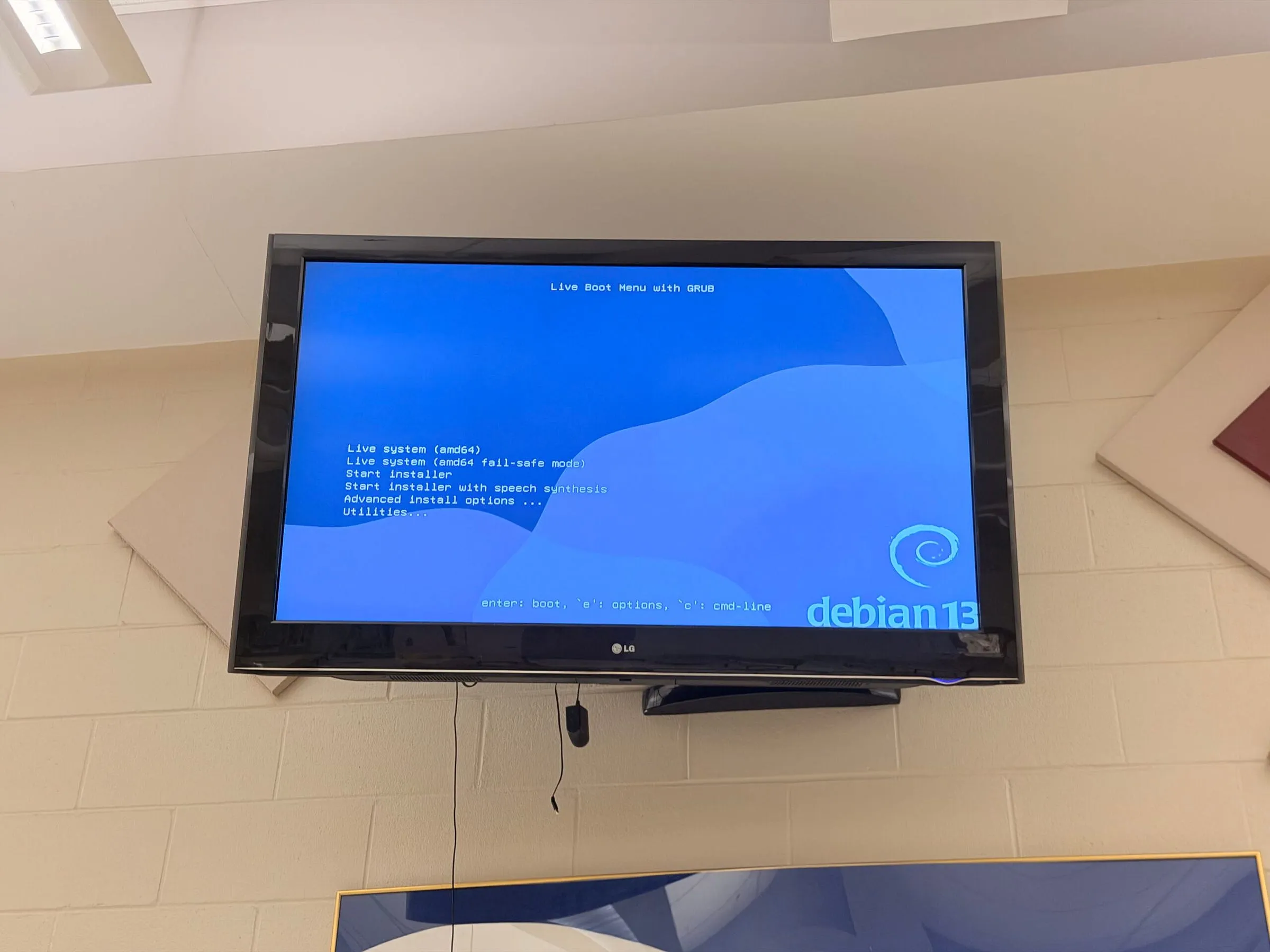
There are TVs at my school that have been off for as long as I’ve been a student there. Two in the cafeteria, one by the office (i think), one in the library. They’re mounted on the walls like they’re supposed to be doing something, and they just kinda aren’t. They are pretty much just decoration.
I first asked about them in eighth grade when I was doing yearbook. The middle school had the same setup: matching TVs in the cafeteria, the office, a hallway. We asked to use them for yearbook and were told: “They don’t work.”
That was it? Yea okay, no way that was the whole answer. Nobody told us what didn’t work. Were the TVs broken? The computers behind them? Was the software just old? (spoiler: yes, it was) Did somebody lose the password in 2017 and just gave up using them? I still don’t fully know. The signage computers behind them (they’re Acer Veriton N4620Gs from around 2012) were running Windows 7, and the whole system simply aged out while nobody was watching. As far as I know, nobody at the school had seen these things run in years. I certainly hadn’t; until recently.
On Monday, four of those TVs are turning back on. Here’s how that happened.
Before winter break last year, the Weekly Wildcat staff (our school newspaper) had a planning meeting about outreach. How do we get people to actually read our articles? How do we reach students who never visit the website? Somebody brought up the dead TVs, and I just began planning it.
But the first idea wasn’t “build a signage platform.” It was way smaller. students (me included) kept walking to the library during lunch only to find out it was closed, or already at capacity. There was no way to know before you got there. So I prototyped a little status site. It shows open, at capacity, or closed, plus an optional message and a history of updates. The librarian marks it open, and eventually the ID-scanning system can flip it to “at capacity” automatically when the room fills up.
simple. all we needed was a way to put that website on a TV (and show our newspaper articles) problem solved.
I looked at the obvious options, and to be fair to all of them, none of them are inherently bad. They just didn’t fit.
Yodeck has a permanent free plan… for exactly one screen. if you add more, every screen needs a paid plan, which currently costs around $8/screen/month. We needed at least three screens, and our software budget is a very round number: $0. So $24/month forever was a no.
Xibo looked promising because you can self-host the CMS and a lot of it is open source. But the Android player is a paid, per-device license if you self-host, and the Linux player has been “in development” with no release date, so that was also a no-go.
AbleSign was the one that actually worked. No per-screen fees, supports Fire TV and Android TV, playlists, schedules, websites, offline media. An actual, genuinely free option, and it’s what we used at first.
Tilecast exists because I have a problem where I keep wanting one more thing. AbleSign could show the website. Great. But then I wanted a custom integration with our Weekly Wildcat stuff. Then custom recovery behavior when a player crashes. Then control over the data model, and how scheduling works, and proof that a screen is actually showing what I think it’s showing. somewhere around the fifth “it would be nice if it could also…” the conclusion became obvious: we just need to build this ourselves. I scrapped the “which app for what thing” Google doc I had made, and began working on a custom app.
Before I explain what Tilecast is, I need to tell you about the night that shaped basically its entire design philosophy.
In March, I did production for the middle school pageant at the middle school. As part of the setup, I turned on the front-right cafeteria TV, which was the first time I’d ever personally seen one of these “broken” TVs powered on. It worked fine, which was both exciting and kind of frustrating knowing they did work. I hooked up a Fire TV running AbleSign to show the Miss EMS logo and a bit info about each performer.
I’ve written about the whole event on this blog before ( The Tech Behind Miss EMS Pageant 2026), but the short version of the signage part: the Fire TV was on the school network instead of our show Wi-Fi, and the school network gave out on us during the pageant. I’d actually anticipated network weirdness and set up an ADB workaround that would reboot the Fire TV if things went wrong. And it worked!
The problem? AbleSign never relaunched once it restarted.
I still don’t really know why. Maybe Amazon changed something about auto-launch behavior. What I do know is that the TV landed on the Fire TV home screen, which autoplays video ads. So in the middle of a school pageant, on the big screen, the audience got about an hour of streaming ads, including one for Heated Rivalry, on loop.
I had no idea. I was at the production desk and behind the stage, my phone was mounted as part of our multicam setup (which also failed, funnily enough), and my mom, who could see the screen from the audience, was frantically texting a phone I didn’t even have with me. Her phone was also on a tripod recording, so she was literally borrowing phones from strangers in the audience trying to reach me. I didn’t find out until intermission, at which point the only fix I knew of was turning the TV off.
that night taught me the most important lesson in this whole project: there’s a huge difference between “something is assigned to the screen” and “the audience is actually seeing it.” The device was on, the app was installed, the web server we had pulled up on one of our MacBooks thought everything was fine. And the screen was playing ads for an hour.
Tilecast is an open-source, self-hosted digital signage platform. Go server, React/TypeScript dashboard, PostgreSQL, and a native Android player for Fire TV, Google TV, and Android TV. There’s also an Electron port of that same player for regular Linux computers, which is basically why this whole rollout ended up happening the way it did. It’s AGPLv3, it’s on GitHub, and it’s built for exactly the situation my school is in: you already own TVs, you have no recurring budget, and you need more than one screen.
The tagline is “Open signage, built to stay on,” and after the pageant, “built to stay on” is not marketing nonsense. A ridiculous amount of the project is about failure:
There’s also all the normal signage CMS stuff you’d expect: multi-zone layouts, playlists, schedules that handle timezones right, a media library, and widgets like clocks, tickers, menu boards, weather, and QR codes. data sources are kept separate from presentation too, so one CSV of lunch menus can show up as a plain list on one screen and a full menu board on another without me having to enter it twice.
then there’s synchronization groups, which i needed because the two cafeteria TVs face each other. because even if i assign the same playlist to two screen they aren’t actually in sync, and when two screens are side by side even a little bit of drift looks broken (and distracting). so synced screens share a playback epoch and compute the same item and offset from it, which means they line up even after one reconnects late and has to catch up. (it can speed up/slow down playback if the gap is under 250ms)
Some highlights from the bug graveyard:
going into this week, the plan was still to run the screens using android players. i had two fire sticks and one chromecast with google tv, which is enough for three screens, cafeteria left, cafeteria right, and the office. the library was just gonna have to wait.
So that changed the plan pretty quick. i don’t have four fire sticks but i do have four mini PCs already mounted behind the TVs with power already run to them, so why would i go buy more hardware. instead of three screens with the library “next,” it just turned into all four today.
I had actually made a rough Electron version of the Tilecast player a few days ago, just in case, wasn’t really planning on using it for anything yet. good thing i did because i spent today adding stuff to it on the fly while also trying to get four TVs working by tonight.
On the old mini PCs, I wiped windows 7 and put Debian Trixie on fresh. this is also where i got stuck for a while. the installer defaults to the new uefi boot method and it just wouldn’t boot on hardware this old. I had to redo the whole install using the non uefi option instead, took me a minute to even figure out that was the problem, because the boot loader doesn’t make it obvious.
Once debian was on i set both boxes up to boot straight into the player with no login screen, one account that auto logs in and just runs Tilecast fullscreen, and a separate account i can actually SSH into to fix stuff without messing with what’s on screen. also turned off sleep and screen blanking completely, because a signage box that falls asleep is just a broken TV again.
deploying is simple at least. i build the player on my laptop and copy it over to each mini pc. updating later just means sending a new file over, nothing else has to change. Once I update the Linux firmware to support OTA updates, the players will just be able to auto-update using an image on the server
All four screens go up July 20, for Meet the Teacher, with the first day of school two days later: cafeteria left, cafeteria right, the main entrance by the office, and the library. Lunch menus, announcements, events, the library status during lunch, and eventually Weekly Wildcat content once the paper relaunches. Maybe the middle school TVs are next, because why not?
The server is accessible through a Cloudflare Tunnel, the players are the old mini PCs that were already hiding behind the TVs, and the software budget is still $0. These TVs were written off as broken years ago, so I’m glad they are able to get put back to use.
Most people won’t know I built any of this, and that’s what I want; the reaction I’m actually hoping for on Wednesday morning is someone walking into the cafeteria, looking up, and going:
“Wait, I didn’t even know that TV worked.”
update: the middle school, two days later
so at the end of this i said the middle school TVs might be next. turns out next meant right away. I have way too much free time. (but a book report due tomorrow)
today, the day before the first day of school, i went over to the middle school and got Tilecast running on four more screens. same exact situation as before, TVs mounted on the walls that everybody just assumed were dead.
the library one is running off the Chromecast with Google TV. That’s actually one of the devices i thought i was gonna need for the high school before i found the mini PCs behind everything would suffice, so it finally got a job. the two cafeteria TVs and the hallway one are all on mini PCs, because i looked behind them and it was the same story as the high school. old boxes still plugged in, still powered, just sitting back there doing nothing for the last decade
I wiped them the same way, Debian Trixie, auto login straight into the player, sleep and screen blanking off. The non-UEFI boot thing came back to get me again on one of them (i brought 2 USB sticks so i could multitask — turns out i don’t do that very well), but at least this time i knew what it was instead of losing an hour figuring it out.
The office is the one screen i didn’t get to. there’s an unused mini PC back there too so it’s the exact same job, i just ran out of time today (not actually, I just wanted to go home). So that one’s happening later this week.
So, between the two schools that’s eight screens now, nine once i do the office, all running on hardware nobody was using and still $0 in software. Kinda funny that this whole thing started because i couldn’t tell if the library was open at lunch.
In total, I spent around 17 hours total setting it up on-site (10AM-7:30PM on Monday, 7:50AM-2:50PM Tuesday). For the pre-development side, probably about a week, 4 hours a day)
Originally published at https://www.gibsonbell.com on July 20, 2026.
Weekly Wildcat launched its first website back in January 2026. At the time it was just a normal WordPress site. Cheap theme, hosting through 1&1, some random Christmas deal that made the first year cost like $7. For a brand new student newspaper with basically no budget, that was a no brainer. We needed a site, it was cheap, and WordPress seemed easy enough that we could just start publishing.
We spent the whole school year writing articles, posting photos, building out sections, figuring out what kind of paper Weekly Wildcat was even going to be. The problem was the site itself never got any better. We all complained about it constantly. (it was absolutely terrible)
If something on the header broke, I’d have to sit there and wait forever for the admin dashboard to load. Then trying to change something that felt like it should be simple meant digging through random theme files, Elementor settings, and plugin menus that never worked. Switching between pages in the WordPress admin took like ten seconds every time. I guess that’s what $7 gets you
The public side wasn’t much better. Mobile layout was awful, homepage felt generic, Elementor blocks didn’t work consistently and sometimes just didn’t show up at all. Lists would randomly turn into checkboxes for no reason (drove us insane). Changing the header, footer, basically any big layout piece meant digging through files and settings until something finally moved.
There aren’t many things worse than the Netherlands’ performance in the World Cup, but our website was definitely one of them.
We wanted the site to look like it was made on purpose. Like an actual newspaper, not just a website that happened to have articles on it. But Elementor didn’t give us any real way to manage fonts without paying for more features, and the theme wasn’t built in a way that made typography easy to touch. We’d try to make what felt like a pretty normal design change and the whole thing would just start falling apart. I remember editing a config file once to fix a layout issue and the entire homepage just disappeared.
At some point it was obvious we were spending way more time fighting the website than improving it. So we decided it was time to just rebuild the whole thing.
we tried to stay in WordPress first
Our first idea was to build a custom WordPress theme. That lasted for a little while.
I figured it’d be the easier path since we were already in WordPress. The articles were there, the media library was there, writers already knew the dashboard, the basic publishing system worked fine. In theory a custom theme would let us keep everything and just replace the parts we hated.
I only had a little PHP experience at the time and WordPress themes get complicated fast. Templates, hooks, plugin behavior, theme settings, block behavior, old conventions, new conventions, and then all the little stuff that only becomes obvious once something breaks. I got far enough in to realize I did not want to build the future of this site on top of a theme I’d be untangling forever.
So I gave up on that and switched to something I actually knew better, Next.js. The idea was pretty simple. WordPress stays, it just stops being the thing readers actually see.
Instead WordPress becomes the CMS running quietly in the background. Writers and editors keep logging in, drafting stories, uploading photos, assigning categories, scheduling posts, same workflow they already know. But the actual public site gets built separately with Next.js.
That gave us a clean break from the old theme without making the whole staff learn a brand new system.
The site is still WordPress under the hood. It just doesn’t look like it anymore.
The new setup is split into two sides now.
The public site is still at weeklywildcat.com, that’s what readers actually see. Built with Next.js, deployed through Cloudflare Workers.
The CMS lives at cms.weeklywildcat.com. That’s the back room of the newspaper now, where stories get written, images get uploaded, author info gets managed, everything gets organized before it goes live.
Here’s the part I still think is kind of funny. WordPress is running in a Docker container on my homelab server. Same server that used to just sit there running Home Assistant for my house. That was legit its entire job before this. Now it’s also quietly running a newspaper’s entire CMS. I got lucky that it’s a fairly nice box with 16GB of RAM so it handles the extra load pretty easily, but it’s still a little weird knowing the paper’s whole backend lives on the same machine that we use to turn off the lights.
It’s exposed through a Cloudflare Tunnel, and the WordPress admin is behind Cloudflare Access too, so it’s not just sitting wide open on the internet for bots to find (hopefully)
Is this more complicated than the old setup? Yes, a lot more.
A normal WordPress site is one thing, you pay a host, install WordPress, pick a theme, done. This has a CMS, a separate frontend, a GitHub repo, Cloudflare Workers, a tunnel, Docker containers, a custom plugin, and deployment logic tying it all together. More pieces. More stuff that can break. More things I personally have to keep in my head.
But there’s also just way more control. The old site gave us a box full of limitations. This one gives us an actual foundation we can keep building on.
trial and error
The first version of the Next.js site was not good. It technically existed but it didn’t feel like Weekly Wildcat yet. Layouts were rough, stuff broke constantly, and the homepage changed practically every day for a while. I redesigned it over and over before it started looking like something I’d actually want people using.
That first week was mostly just trial and error. Build something, look at it, absolutely hate it, change it, break it, fix it, move to another part of the site, repeat. The homepage went through the most versions because that’s the page that matters most, and it needed to feel focused instead of crowded.
The author pages might be my favorite part of this whole redesign. On the old site, authors got a small box with their name (not even a picture) Now authors get their own pages where readers can see who’s writing, browse their other stories, get more of a sense of the actual people behind the paper.
One of the biggest things I learned doing this: WordPress was never really the problem. It’s still good at what it does.
For writers nothing really changed. Write a story, add media, pick categories, save a draft, hit publish. No code, no thinking about how the frontend works at all. And we don’t have to deal with Elementor anymore (Thank God — that was a mess)
I still remember opening the rebuilt CMS the first time and clicking between pages, and it was instant. There was a fade transition and I genuinely didn’t know WordPress even had that, because I’d never once seen it not buried under ten seconds of loading.
We also ended up building a custom WordPress plugin, which was its own whole adventure since I’d never built one before and again, pretty limited PHP going in. The plugin handles stuff that doesn’t fit neatly into a default WordPress setup. Image credits, author details, sports info, event stuff. Things a student paper actually needs but that no generic theme or random plugin ever handles well. Building our own tools means the CMS gets shaped around how Weekly Wildcat actually works, instead of us bending our workflow around someone else’s idea of a news site.
We had a lot of raw sports data pulled in from different sources, and we wanted to actually verify it was accurate. MaxPreps doesn’t let you reuse its data directly (it’s against the TOS), but pulling scores from it gave us something to compare against, and that’s how we found and fixed a bunch of issues in the data we already had. I ended up writing a simple script to help with that.
For staff, publishing is still just WordPress. Write a story, add images, fill in the info, and hit publish. Once the public site rebuilds it shows up on weeklywildcat.com.
The images still live in WordPress but the public site itself gets deployed as a static site. That means readers get a way faster experience without us giving up the media library or changing how staff upload photos. It also means the site isn’t generating every page live every time someone visits, readers just get a finished page instead of waiting on WordPress, PHP, plugins, and the old theme to all do their thing at once. Way better fit for a news site.
One of the less fun parts of running a public site is bots find you almost instantly. We got hit with a lot of spam traffic and spam comments, a good chunk of it from outside the US. To be clear that doesn’t mean everyone outside the country is some kind of problem, obviously our reporting should be accessible to anyone who wants to read it. But automated/bot traffic is a way different story.
The site now is way better than what we launched with back in January, but it’s still early days. The design system needs more work, there’s still stuff to clean up around consistency and components, and the publishing pipeline needs to get more automatic. The whole setup needs to get easier to maintain in general.
And eventually, honestly, the CMS probably needs to move off the server that’s sitting in my living room under the TV. Hosting WordPress on my homelab is great right now, it keeps costs down and gives us total control, but I’m not going to be running this newspaper’s infrastructure forever. A student paper that depends entirely on one guy’s home server humming away in his house isn’t really a long term plan.
We want the publication to last longer than our time @ NSHS. That’ll probably mean simplifying the stack down the line, moving the CMS somewhere more permanent, making deployment less manual, cutting down the number of moving parts. Probably all of it eventually. Maybe even moving back to a Full WordPress stack.
The Weekly Wildcat site is open source on GitHub. Right now it’s not exactly plug and play, another school couldn’t just download it, swap a logo, and have a finished site by that afternoon. There’s still a lot of work before it gets to that point.
But that’s the direction I want to take it. Student newspapers shouldn’t have to pick between expensive publishing platforms, ugly templates, or sites that feel impossible to touch. A small student org should be able to have a modern site without a huge monthly bill or a full dev team behind it.
There are already solid low cost and free options out there for hosting parts of a project like this. I use Wasmer’s hobby plan for this blog and it’s worked well, and Cloudflare Pages is a good option too when you need more bandwidth. (note that they serve different purposes)The bigger point is just that schools and student orgs deserve more control over their own websites.
This whole thing is still at the beginning. It’s not perfect and it’s definitely more complicated than buying a theme and clicking install. But it’s ours. WordPress still gives us a solid place to write and publish, Next.js gives us a public site that actually feels designed for Weekly Wildcat, Cloudflare handles deployment and keeps the bots off our backs, and a server that used to just run my Home Assistant install is somehow now also running our newsroom. And we’re finally not stuck trying to force a seven dollar theme to do things it was never built for.
Originally published at https://www.gibsonbell.com on July 16, 2026.
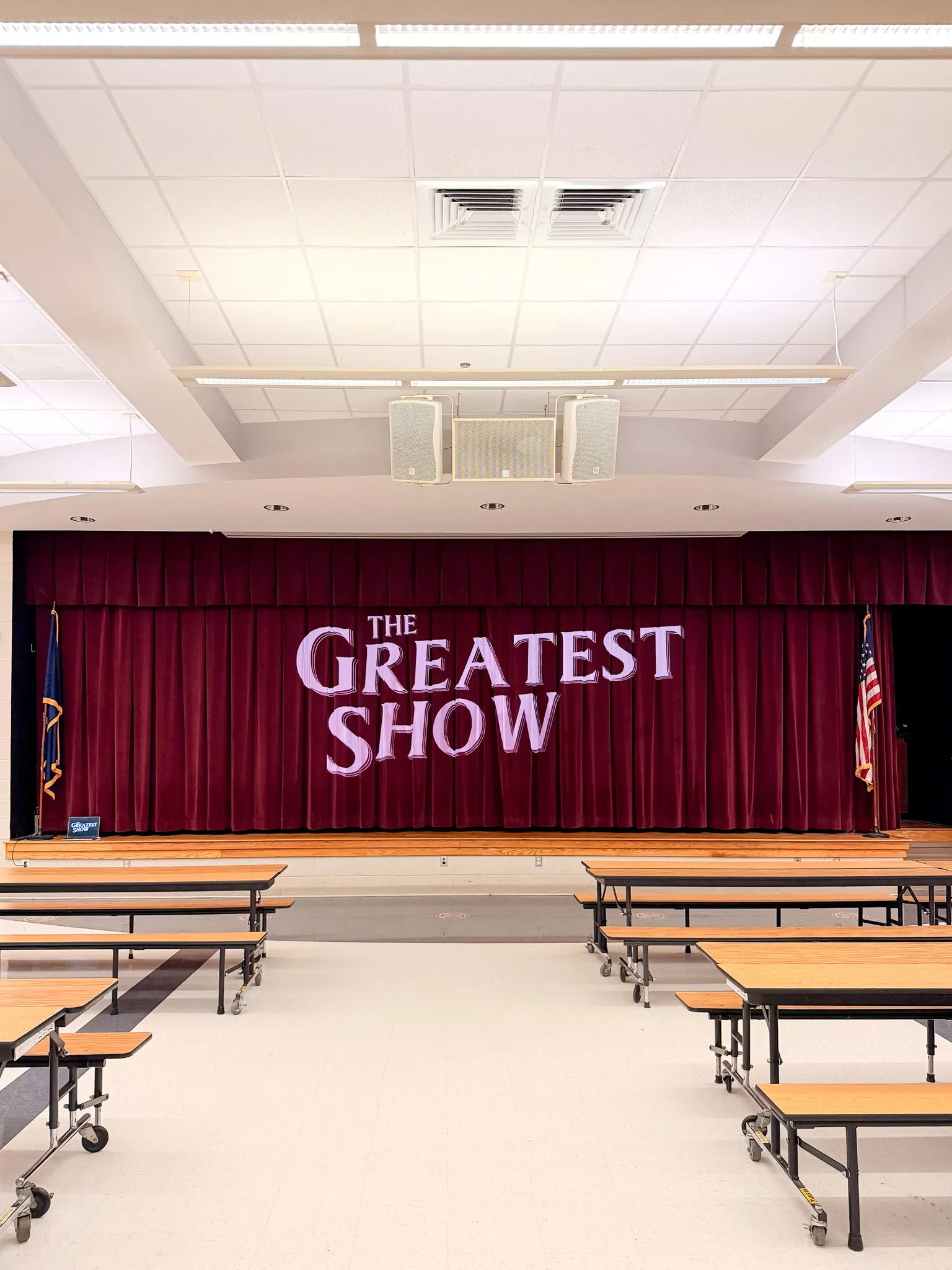
We had no real production budget, just a few hours of tech practice, and a mix of borrowed, existing, and improvised equipment for our use. Despite that, we were running centralized show control, backstage cue displays, projection playback, remote audio mixing, multicamera recording (well, more on that later), and a dedicated backstage network.
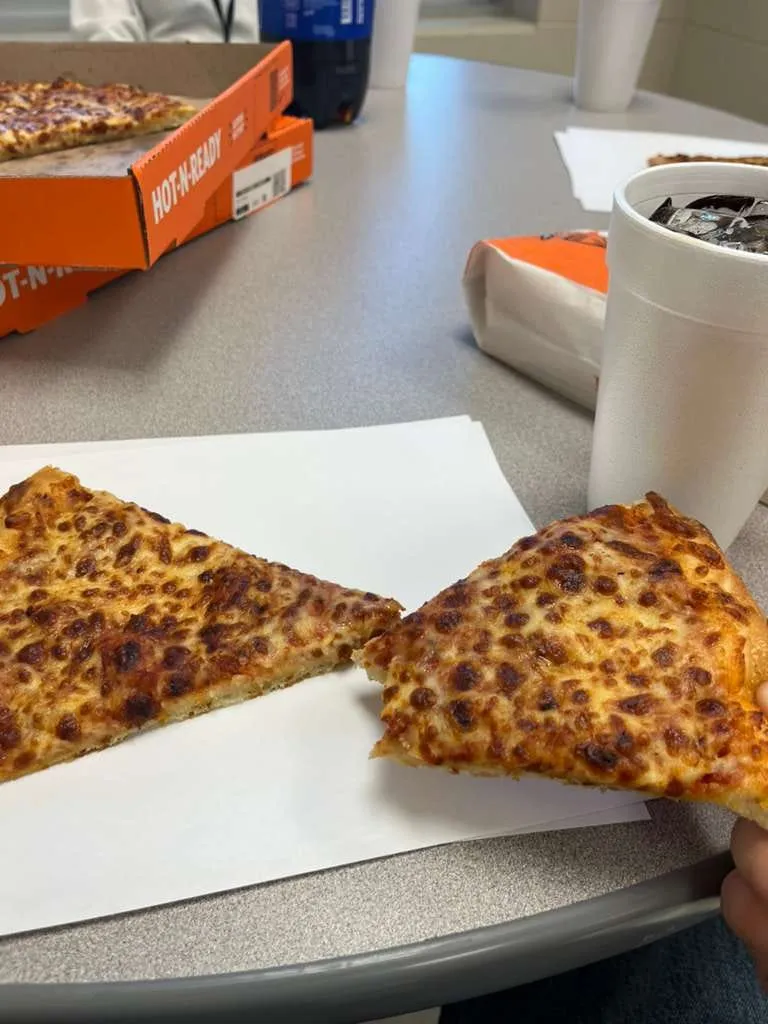
In fact, the budget was so low, we didn’t even buy plates.
It was ambitious for the amount of time and equipment we had, but most of the system held together surprisingly well.
QLab was the main control point for the show. I ran it from a 2023 M3 Pro MacBook Pro and triggered the primary cues myself, mostly from the keyboard, with QLab Remote available when I needed to step away from the desk. Note: don’t ever do that, you’ll miss cues.
QLab handled playback for music, video, and transitions. It also sent OSC cues to OnTime through localhost, allowing the show clock and backstage cues to follow the QLab cue stack automatically.
That setup meant the person managing OnTime didn’t need to manually advance every cie. Instead, they could focus on timing adjustments when the pageant ran ahead or behind schedule.
Our OnTime server was one of the most useful tools in the entire setup. We had an iPad near the side of the stage for performers, two Chromebooks acting as additional viewers, and a 2015 iMac running the OnTime web interface backstage. We connected an external SSD to the iMac to run macOS from so we didn’t have to rely on the slow, aging HDD.
The standard OnTime view showed the current cue, next cue, time remaining, and projected end time. We also used custom messages for live coordination, like:
Backstage left: make sure Claire (#3) has her mic ON
We only discovered that feature 2 hour before showtime, but was essential for managing entrances, curtain cues, and people waiting in the sides of the stage/ramps. During the performance, we also added an unplanned intermission during the performance, and used Ontime to adapt on-the-fly and send messages to left stage.
Don’t overcomplicate things
We had originally planned to run our video over NDI to a receiver, until we realized that we could literally just run an HDMI cable from my Mac to the input.
In my opinion, the intro was the highest-risk part of the show because several separate systems had to line up:
Rather than creating one long intro track that depended on everything happening at an exact second, I built extra time into the first music section. That gave us a buffer in case the screen rose slowly, the curtains were delayed, or performers needed a few more seconds.
Once everything was ready, I triggered a separate cue to move into the next section.
That was one of the better decisions we made. It gave the intro some flexibility without having an awkward pause in between tracks (or worse, the track playing too early)
Most playback audio came from the M3 Pro MacBook Pro. We were working with what we had, so the MacBook’s 3.5 mm output went through a converter and into a side-stage microphone input. It was not an ideal signal path, but it was functional within the budget.
We also had an iPad running the Allen & Heath mixing app. So instead of needing to go into the closet where the mixer was located, we could walk into the audience, hear the room the way everyone else heard it, and adjust levels from there.
We actually ended up having to go into the audience during the show to mix because our monitor speakers backstage went out.
We did not have colored stage lighting, so we used projection as a janky workaround.
I created custom videos in Blender to replicate the effect of colored/RGB lighting on the stage. It was not a replacement for actual lighting fixtures, but it gave the stage some more depth, which was needed with 30+ performers on the stage at some points.
The projector was also used for:
Blender was useful before the show as well. I used it to map the stage layout and think through backstage space.
That planning revealed to us that what we had planned to use would take up too much room once the performers were in the backstage area. We changed the layout before rehearsal instead of discovering it during setup, which saved time we really didn’t have.
Most graphic design assets were made in Affinity, while our music tracks were made in Logic Pro. Video we played on the projector was created in Premiere Pro and Blender.
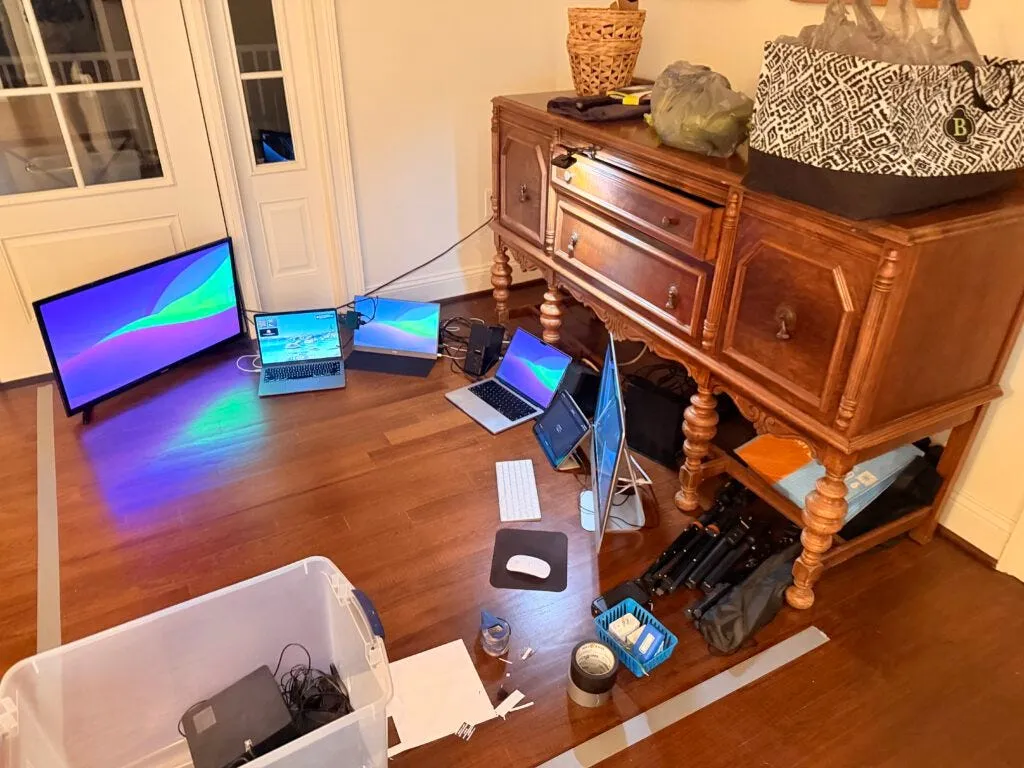
During our practice, we had already dealt with a bunch of device-isolation issues on the school Wi-Fi, where devices could join the same network but could not communicate with each other.
That was a problem because for what we were doing, QLab, OnTime, the iMac, iPads, Chromebooks, and all of our other backstage tech needed to communicate locally.
So, we brought an old router and used it to create a dedicated production network for us to use. The router was connected upstream to the school Wi-Fi over Ethernet, but our backstage equipment connected to the router instead of relying directly on the school network, which gave us a more controlled local environment for OSC, OnTime, remote management, and backstage communication.
It ended up mattering more than expected. Once the audience got into the cafeteria, the school Wi-Fi became unreliable because of how many people were in the room. Our production network was still not perfect (because of interference, we were using the 2.4GHZ band), but it kept the important backstage systems that needed Wi-Fi usable.
For crew communication, we used Zello and its alert button. It was not great, but it gave us a way to get someone’s attention or ask for help backstage without needing to find them/yell.
The main failure of the event was the recording system.
We planned to record the pageant using Final Cut Pro on an iPad with four iPhone 17 Pros connected for multicamera capture. Before the show, we checked each iPhone and made sure that all four had enough available storage.
About 30 minutes into the pageant, every camera stopped recording at the same time.
At first, it was confusing because the phones still had storage available. They all showed they had about 3 hours of 1080p30 recording left.Then the Final Cut Pro iPad displayed an out-of-storage warning.
The issue was that Final Cut Pro was creating proxy media on the iPad while recording from the phones. We had made sure to check the amount of storage left on the phones, but we had not accounted for the amount of proxy media being generated on the iPad. In fact, we didn’t even know that FCP did that.
The iPad filled up (its only 128GB), which stopped the entire Multicam recording workflow.
For a minute, everyone backstage was focused on figuring out what failed and whether there was any way to keep it going without Multicam on the iPad. (there wasn’t)
After that initial panic, we made the correct decision: that the live show had to remain the priority.
During a 30-second unplanned intermission (that we coordinated with left stage using Ontime messages), we ran into the audience, opened the regular Camera app on the main phone, and started a manual recording to record the rest of the pageant.
It didn’t work as well, but it at least gave us some usable footage to use from one angle.
For the next Miss EMS Pageant, the plan is to move away from using Final Cut Pro on an iPad, since it gave us issues, and there is no way to livestream from it.
The M3 Pro MacBook Pro will run OBS and act as the main production system for camera switching, graphics, livestreaming, and program monitoring. The goal is to stream to YouTube at 1080p30 using H.264.
We are planning to use four iPhones connected over Ethernet with NDI (or WebRTC) and a network switch.
QLab will remain the playback system. It worked extremely well and did not give us a single major issue during the event. QLab video will continue going to the projector, while an NDI feed can be captured in OBS for the YouTube stream. QLab audio can also be routed into OBS so the stream receives the actual program mix instead of relying on camera microphones.
OnTime will stay in the backstage workflow, but the timer overlay will remain on backstage displays and projector output. It will not be part of the YouTube program feed.
We are also planning to use an Apple TV 4K to allow the contestants backstage to see what’s happening on the stage (thanks, Emilie)
For a zero-budget production with a limited amount of tech practice time, the system performed pretty well.
This experience proved to me that a good amount of planning and a small (but committed) crew can make a big production work (even when it looks like the budget cannot).
Originally published at https://www.gibsonbell.com on May 16, 2026.
Jackson Orr, Caden Allen, Cameron Robinson, Alex Hernandez and Dayson Christley